

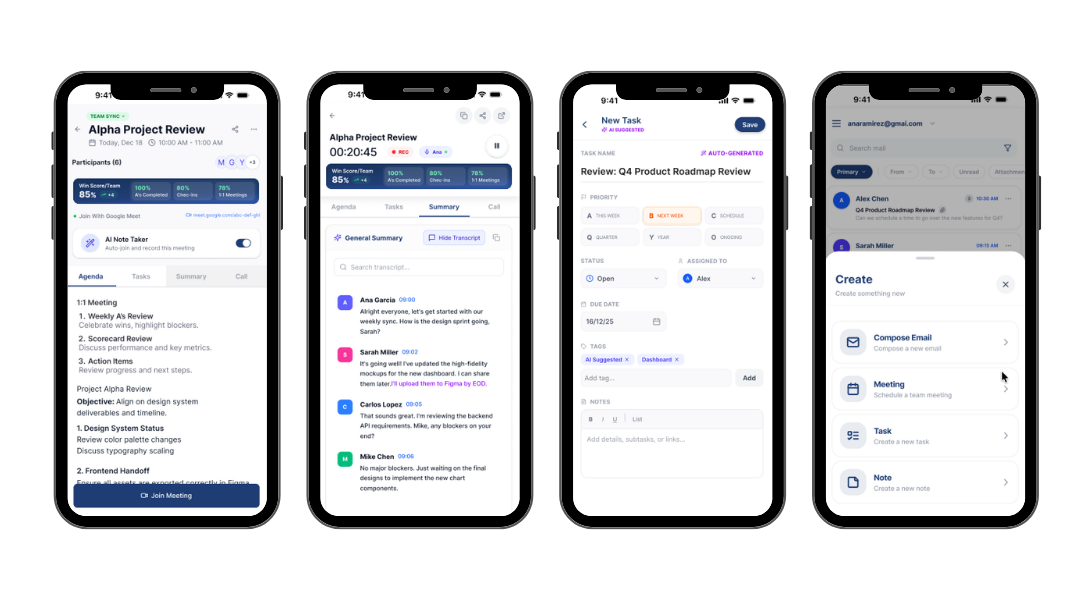
Stop asking your team for status updates. See what everyone is prioritizing today, without another meeting, using SeekFirst's team alignment view.
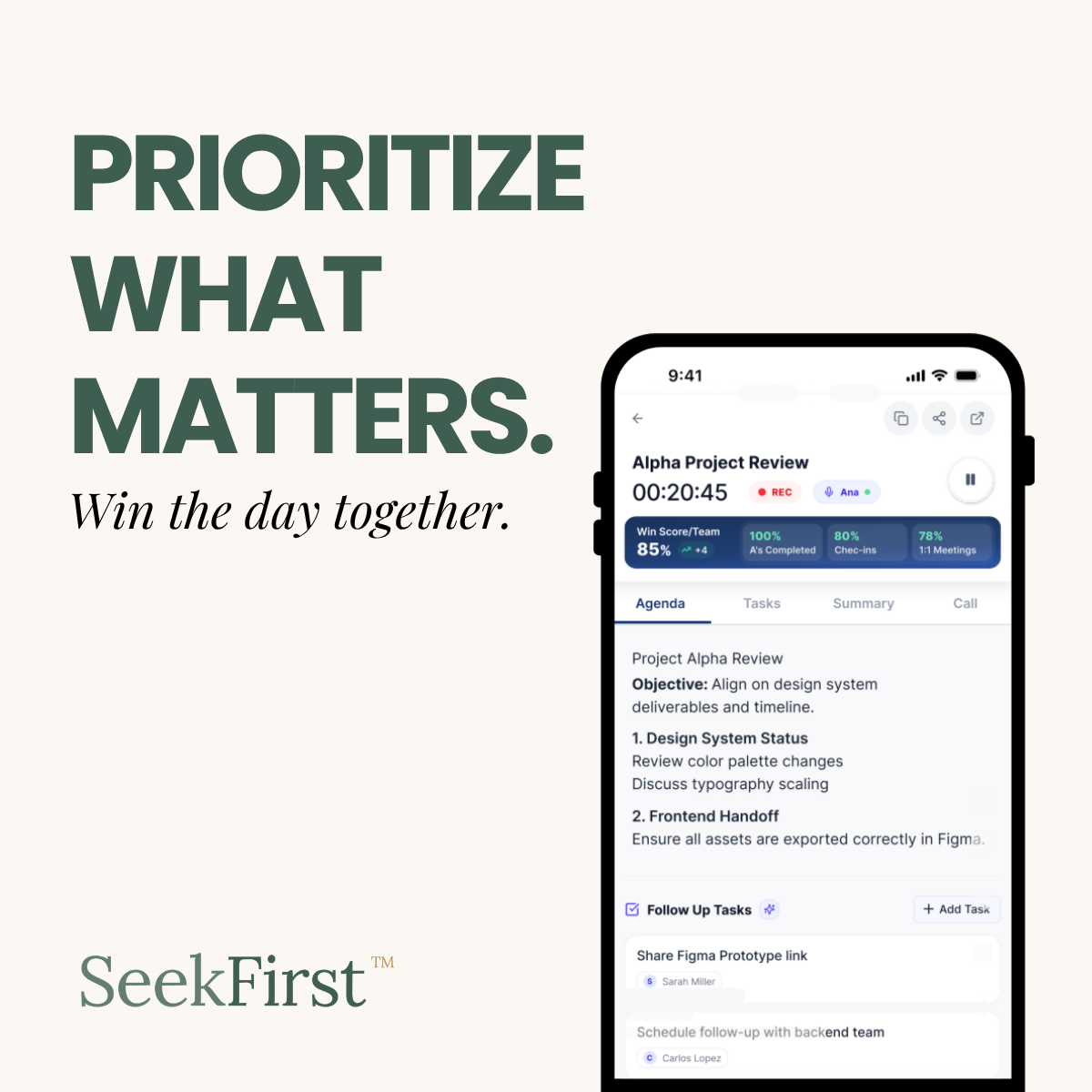
A simple daily prioritization method for managers and team leaders who need to turn a flooded inbox into three priorities that actually matter.
The Problem Email is where the real work happens. It is the one tool every leader actually uses, every day, without being told to. But priorities, follow-ups, and what is actually moving forward do not live in email. They live nowhere, scattered across threads, forwarded messages, and mental notes that depend on someone remembering. SeekFirst does not ask your team to leave Gmail for another tool. It adds the one layer Gmail was always missing: a shared, daily system for what matters most. How It Works Inside Gmail Step 1: Triage. Action items surface automatically from your Gmail threads. Nothing slips into the pile. Step 2: Prioritize. Set your A's, the two or three things that make today a genuine win, without leaving your inbox. Step 3: Align. SeekFirst threads appear naturally alongside your regular mail. Your team sees what is moving without a status meeting. Step 4: Signal. AI tracks completion trends over time so the pattern, not just today's list, becomes visible. What Leaders Say "I want to know what my people are working on without having to ask them every day. I should not need a status meeting to get visibility." - Director of Operations, regional services firm Key Features Pulse check-ins arrive via email, anonymous, frictionless, real SeekFirst threads appear naturally in your existing inbox No new tool to learn, everything starts where your team already works Works alongside Google Calendar for full daily context